Recipes and meal planning for iPhone and iPad
Your recipes and your week, all in one kitchen
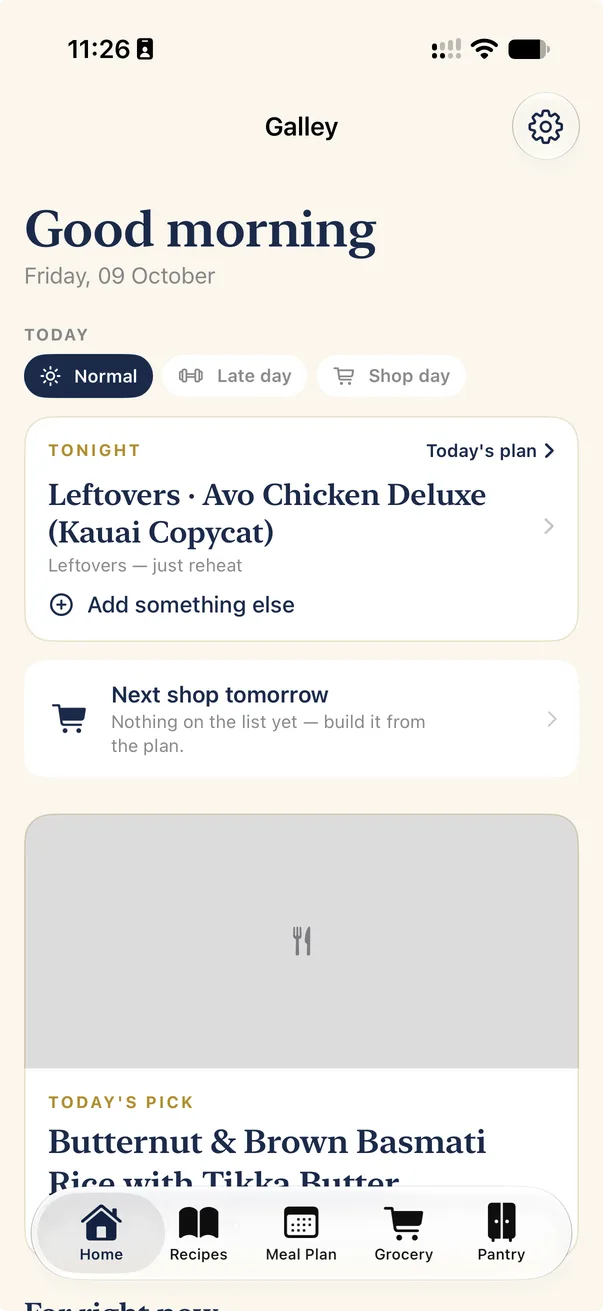
Save recipes from any website, photo or cookbook page. Plan the week around the days you're late and the days you shop. Get a grocery list that knows what's already in your pantry, then cook hands-free.
No account. Your recipes stay on your device.
Save recipes
From wherever you found them
Every recipe ends up in the same clean format, ready to plan, shop for and cook.
Websites
Paste a link or share from Safari. Galley pulls out the ingredients and method, without the life story.
Photos and scans
Snap a cookbook page or a handwritten card. The text is read on your iPhone.
Notion
Bring recipes over from a public Notion page.
From a friend
Send a recipe as a Galley file, sauces and all, and they can add it in one tap.
Recipes
Every recipe, one tidy book
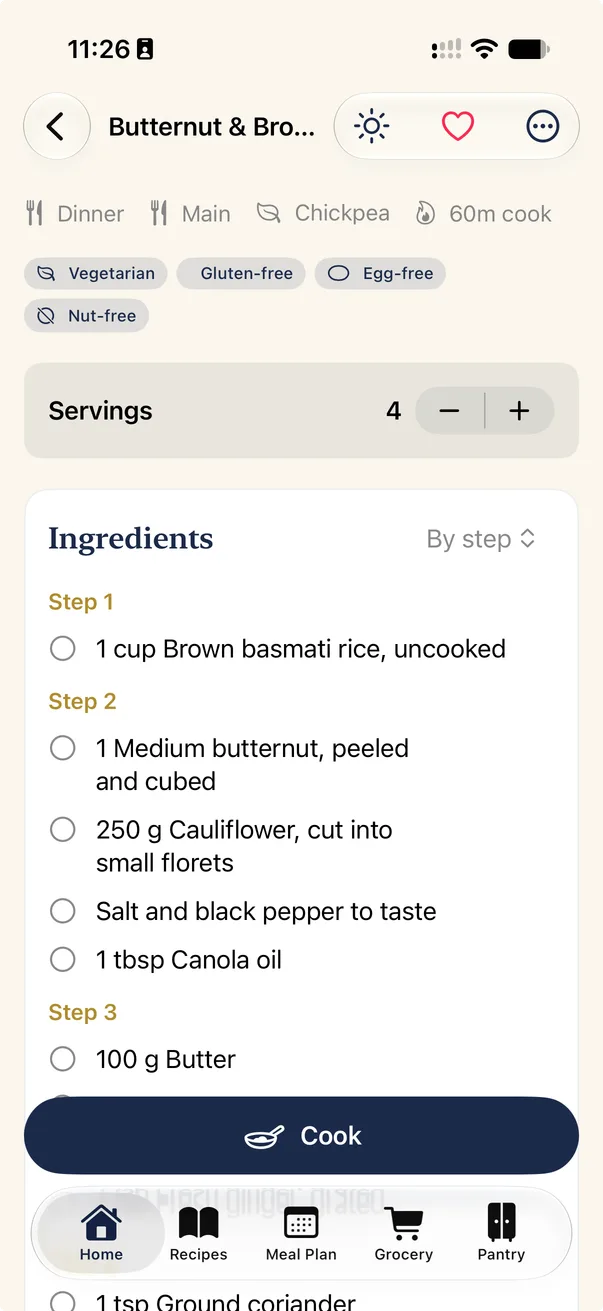
Ingredients sorted by the step you'll use them in, servings that scale, and units converted to metric or imperial. Galley tags each recipe as vegetarian, gluten-free and so on, and estimates its nutrition.
- Collections, favourites and a cook log of what you've made
- Link sauces and sides to the recipes that use them
Meal plan
A week that fits your week
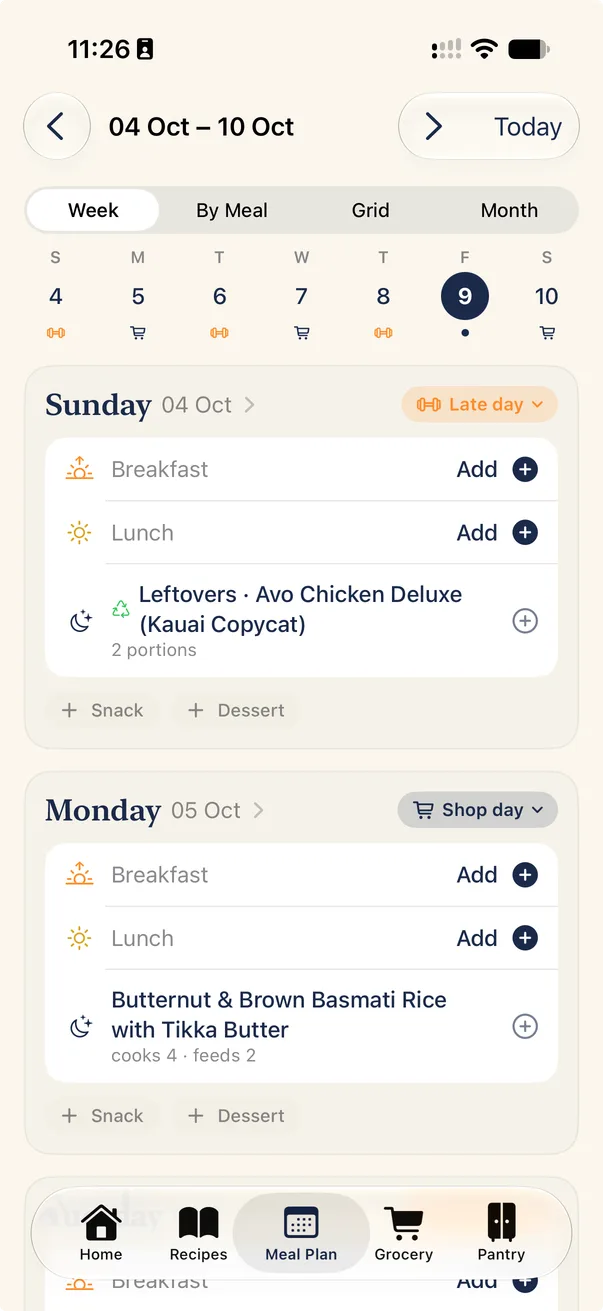
Mark your late days and shop days once. Late days get leftovers or something quick, and each shop covers the meals until the next one. Cook for four, feed two, and the rest becomes tomorrow's lunch.
- Week, by-meal, grid and month views, with a drag-and-drop grid on iPad
- A reminder the night before when something needs to defrost or marinate
- A nudge when it's time to start cooking, so dinner's ready on time
Grocery and pantry
A list that knows your kitchen
Galley builds the shopping list from your plan, adds up the same ingredient across recipes and flags what you probably already have, like staples or something you bought on Tuesday. Tick things off and the pantry stocks itself; cook a meal and the fresh things come off again.
- Learns the aisle order of each store you shop at
- Warns you when something fresh won't keep until the meal
- Send the list to Apple Reminders, or share it
Cook mode
Hands full? Just say “next”
One step at a time, in big type. A get-ready checklist puts the oven on and the water on to boil first. Say “next”, “back” or “read it” instead of touching the screen, and timers keep running on your Lock Screen.
- Timers found in the method, ready to start with a tap
- Live Activity timers on the Lock Screen and Dynamic Island
- Home Screen widgets for today's meals, the grocery count and prep
Privacy
Your kitchen, nobody else's
Galley works on your device. There's no account and no server for your recipes to go to.
No account
Open it and start cooking. There's nothing to sign up for.
On your device
Your recipes, plans and lists are stored on your iPhone or iPad. We never see them.
Read on your device
Photos, scans and voice commands are processed on your device, not on a server.
No ads, no tracking
No analytics in the app, no advertising and nothing sold.
What's for dinner?
Galley for iPhone and iPad. Sorted.